System requirements
Stop & limit requirements
Document the stop, limit and restart requirements with the equipment designer.
TECHNICAL VISUAL GUIDE
External hardware and interface map
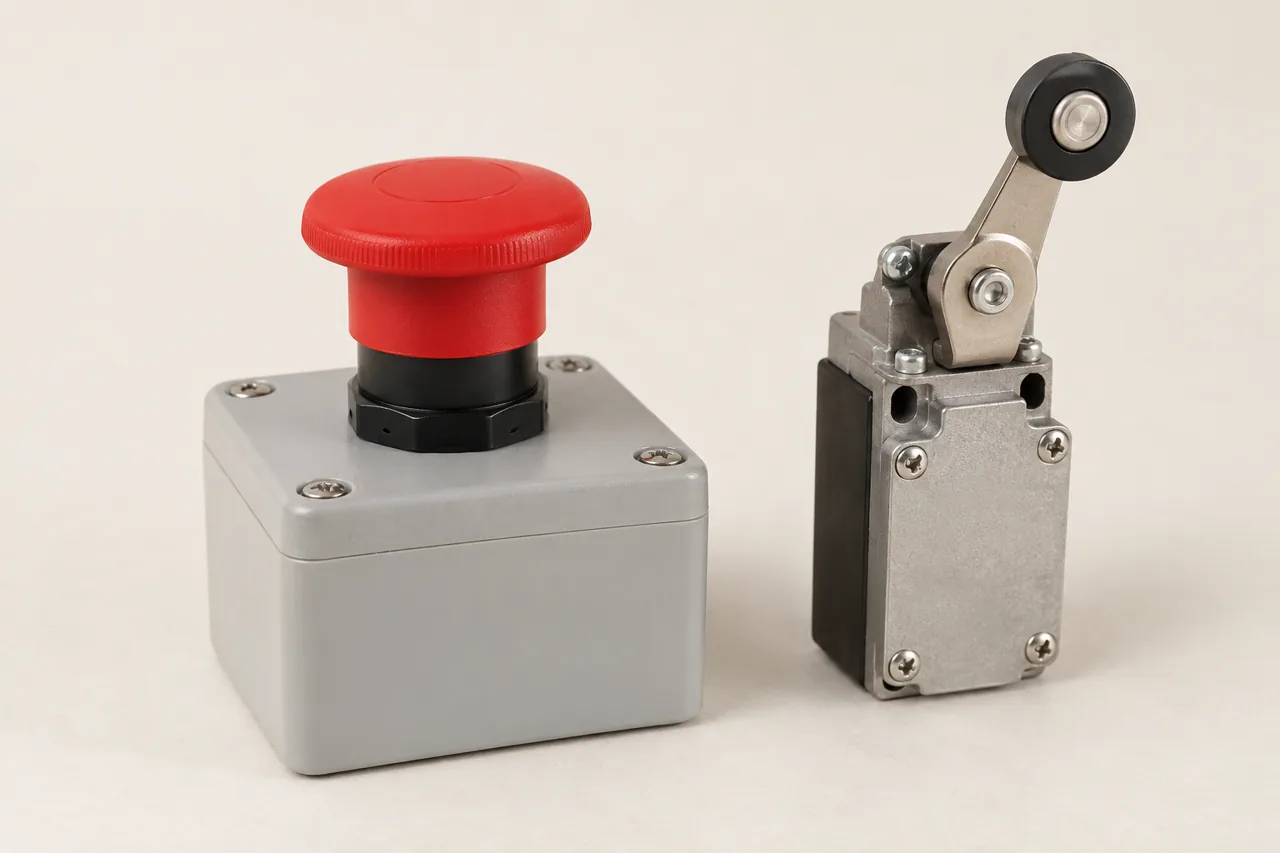
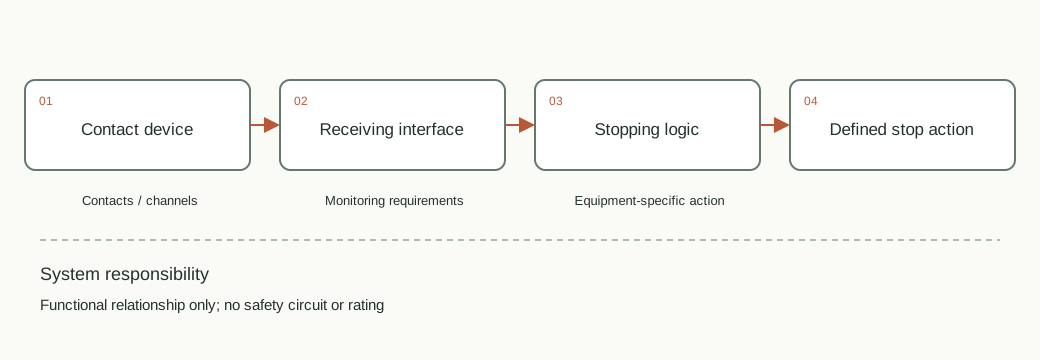
ENGINEERING DETAIL
What belongs in this block
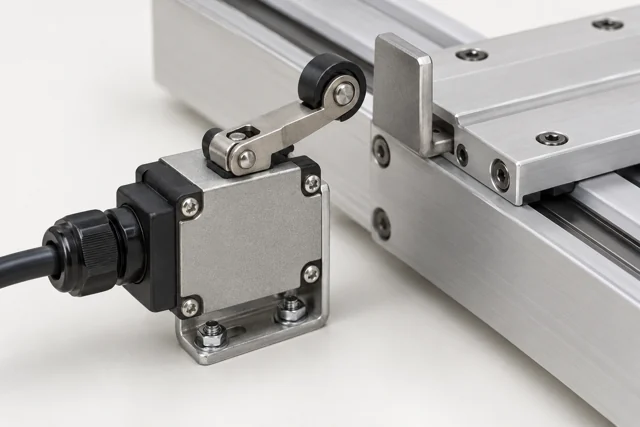
Defined contact/interface → equipment-designed stopping circuit
- Contact brief
- Specify contact arrangement, channels, control voltage, receiving interface and reset behavior required by the equipment design.
- Stopping behavior
- A physical contact is not a software flag. Ordinary drive enable alone does not establish a complete emergency-stop function.
- Limits and restart
- Separate home sensing, travel limits, emergency stopping and restart inhibition. They may require different devices and handling.
- Responsibility
- The equipment designer defines risk assessment, monitoring and stopping architecture. This page records interface requirements and makes no safety certification claim.
SELECTION CONTEXT
Requirements to clarify
Required stop / limit function
Provide a value, an existing specification, or mark this requirement as unknown.
Control supply voltage
Provide a value, an existing specification, or mark this requirement as unknown.
Interface / contact arrangement
Provide a value, an existing specification, or mark this requirement as unknown.
Equipment risk assessment reference
Provide a value, an existing specification, or mark this requirement as unknown.
SELECTION CONTEXT
Review in the equipment context
This is a requirements discussion, not a certified emergency-stop or functional safety design.
SELECTION CONTEXT
Continue exploring
NEXT STEP
Ready to discuss a specific requirement?
Send the operating conditions, quantity and any existing part number. Model, documentation, source and commercial terms are confirmed in the quotation.
Request a component quoteRELATED COMPONENTS & FUNCTIONAL BLOCKS
Complete the surrounding interfaces.
Review these categories alongside the current component. A related category is not a verified compatible combination; selected model interfaces still need checking.
RELATED EQUIPMENT / PROJECT CONTEXT
Where this component is considered.
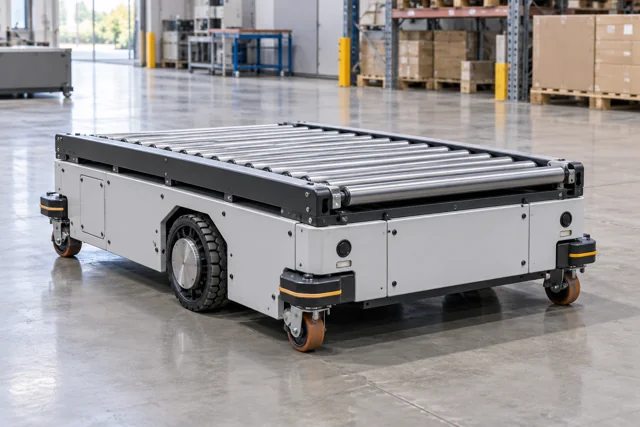
Open an equipment configuration to see its component modules. These are application arrangements rather than stocked finished products.
PROJECT / MODULE / COMPONENT
Equipment projects and integration modules
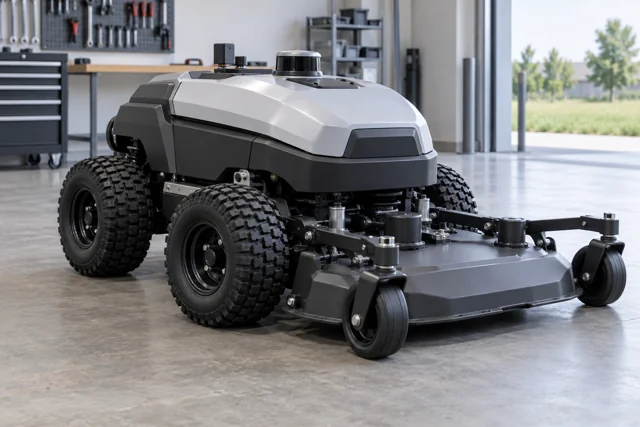
Outdoor automation
Commercial tracked mowing, sweeping and grounds maintenance.
Explore requirements & interfaces ↗Agriculture & field equipment
Farm/ranch UTV transport and field work.
Explore requirements & interfaces ↗Vehicle intelligence
Vehicle electronics, connectivity, diagnostic workflows and fleet services.
Explore requirements & interfaces ↗Vehicle control & by-wire
Driver intent, torque requests, energy coordination and defined actuator interfaces.
Explore requirements & interfaces ↗Battery, BMS & charging
Pack energy, protection, state estimation and a charger matched to the site.
Explore requirements & interfaces ↗Telematics & vehicle networks
CAN acquisition, gateway routing, location and cellular data transport.
Explore requirements & interfaces ↗